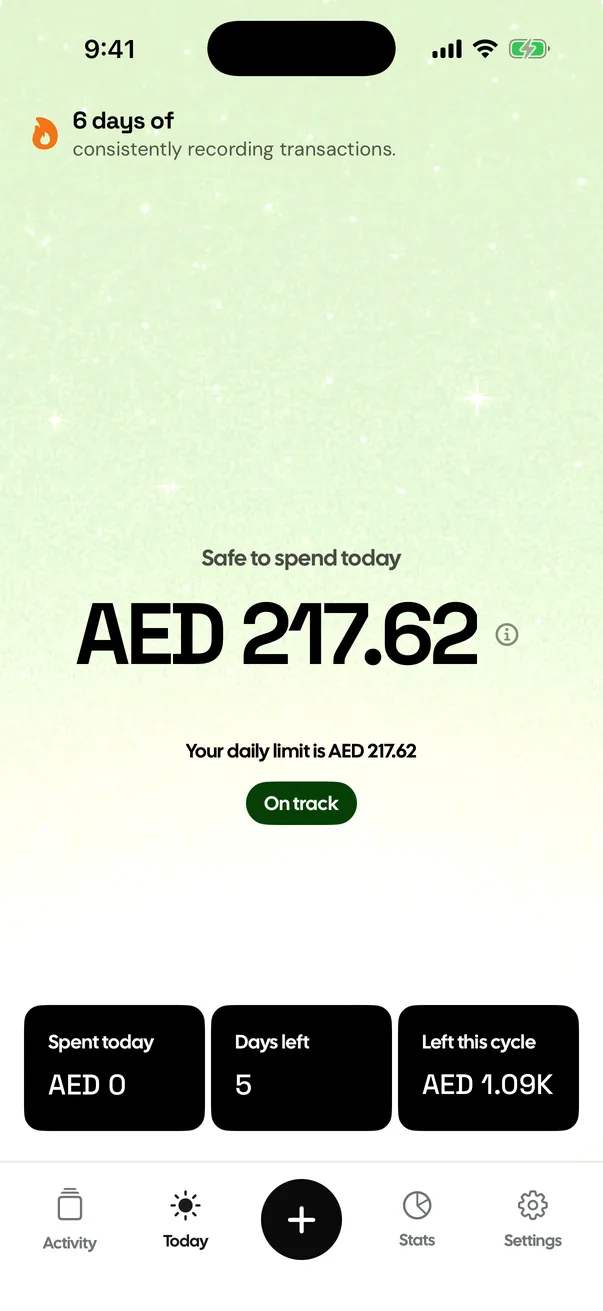
Track every expensein two taps.
Log a spend in two taps and always know where your money went. Private, offline, no account.
Download on the App Store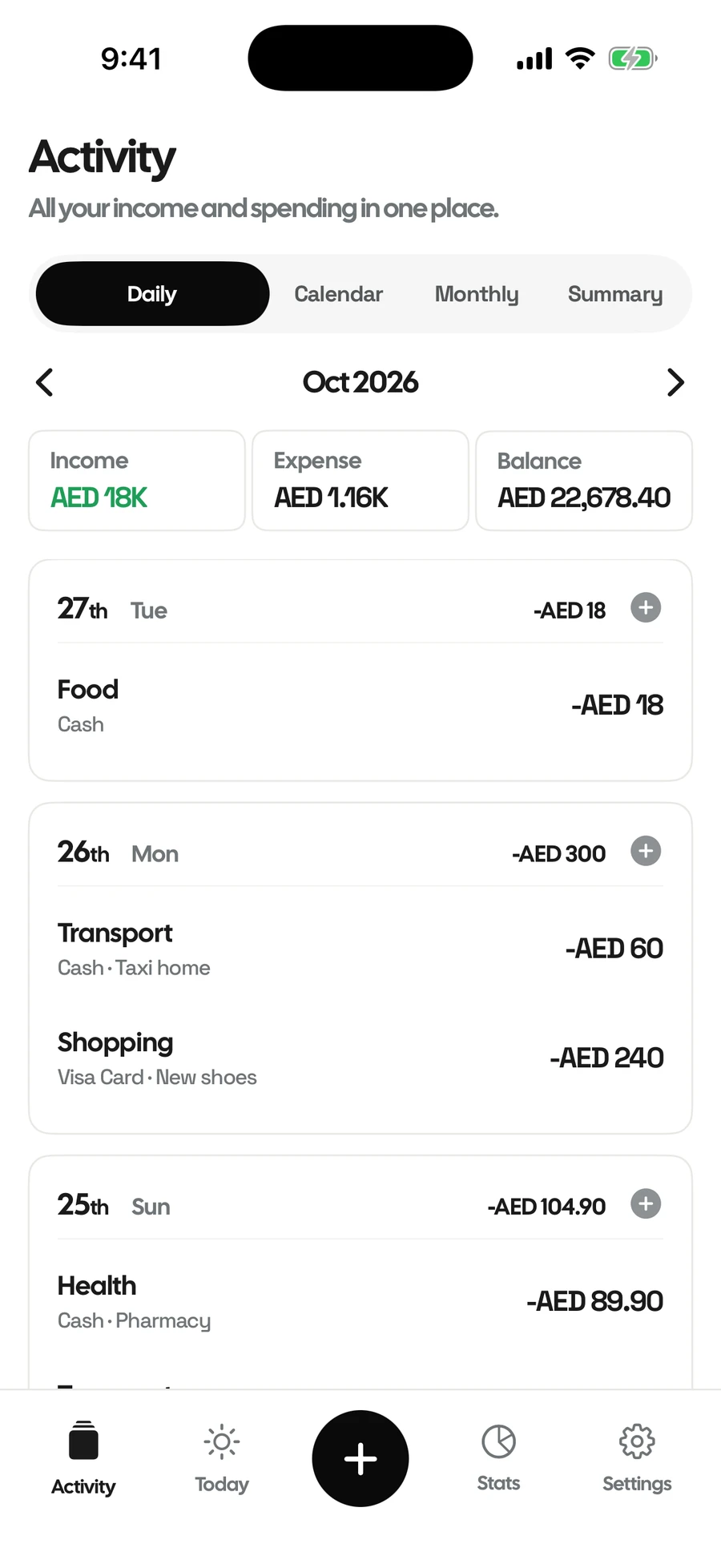
- FreeNo subscription
- No accountNo sign-up or login
- No adsEver
- Works offlineNo internet needed
- Face ID lockOnly you can open
- Any currencyEvery ISO currency
Skip the spreadsheets and bank logins. Log a spend in two taps, see exactly where your money goes and never miss a bill. All on your iPhone.
Built to be quick
- 2
- Taps to log a spend
- 9
- Widgets for Home and Lock Screen
- 0
- Accounts, ads or trackers
Log it. See it. Stay on top.
-
01
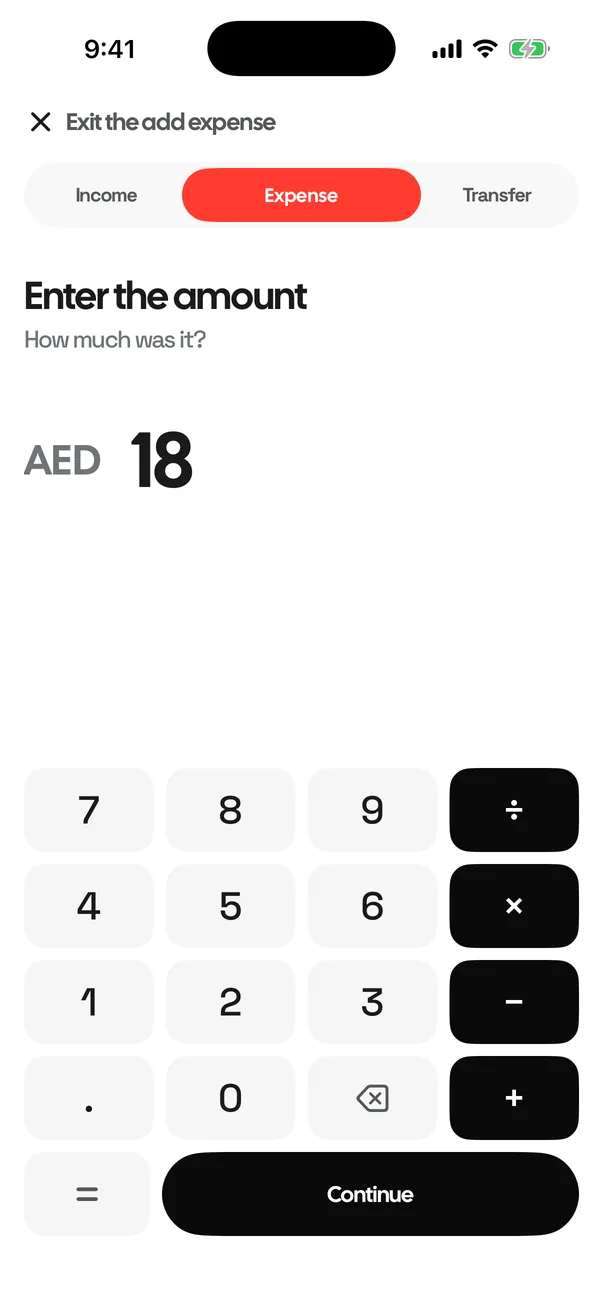
Log it in two taps
Type the amount, pick a category, done. Add a note if you like.
-
02
See where it goes
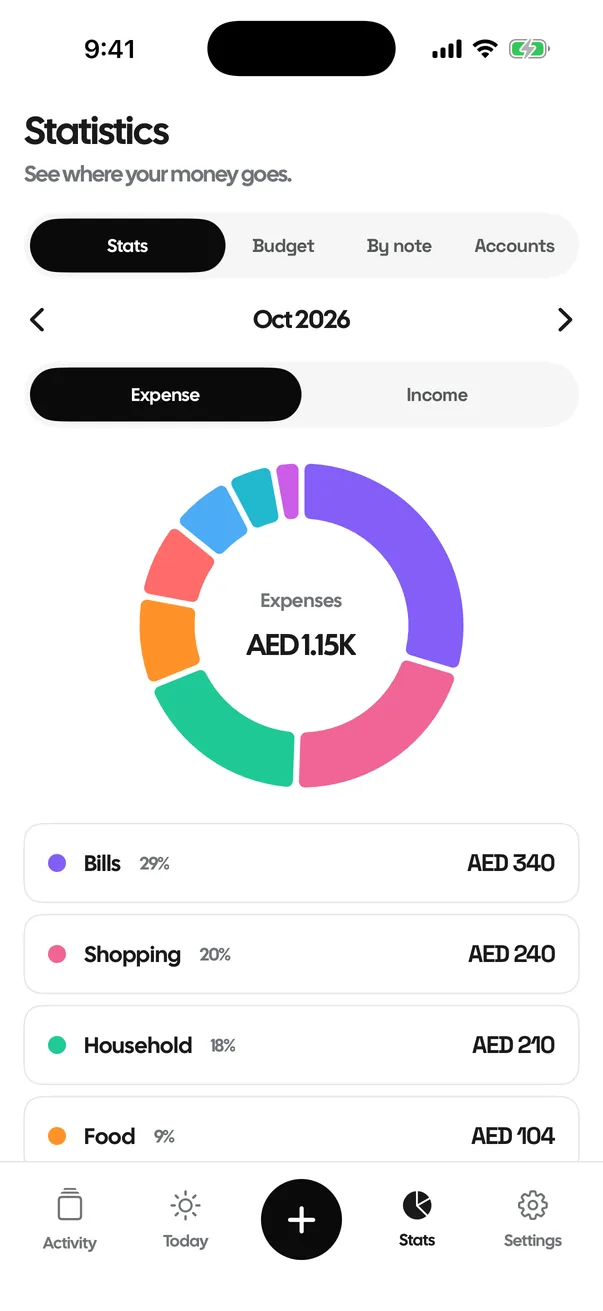
Activity by day and Stats by category. Tap any category to see every spend behind it.
-
03
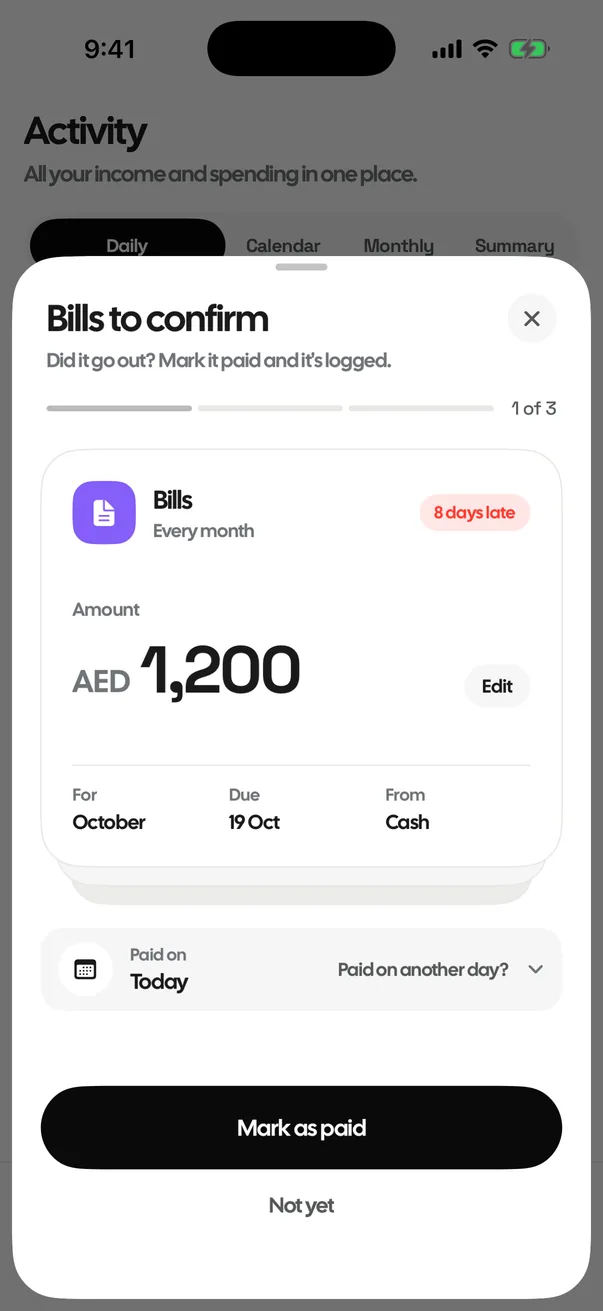
Never miss a bill
Rent, phone and subscriptions remind you on the day. One tap marks them paid.
Can I afford it?
You have AED 217.62 safe to spend today and AED 1,088.10 until pay day in 5 days. Pick something, or type a price.
Small app. Thought through.
Bills and reminders
A nudge on the day, and one tap to mark it paid.
Stats
Tap any category to see every spend behind it.
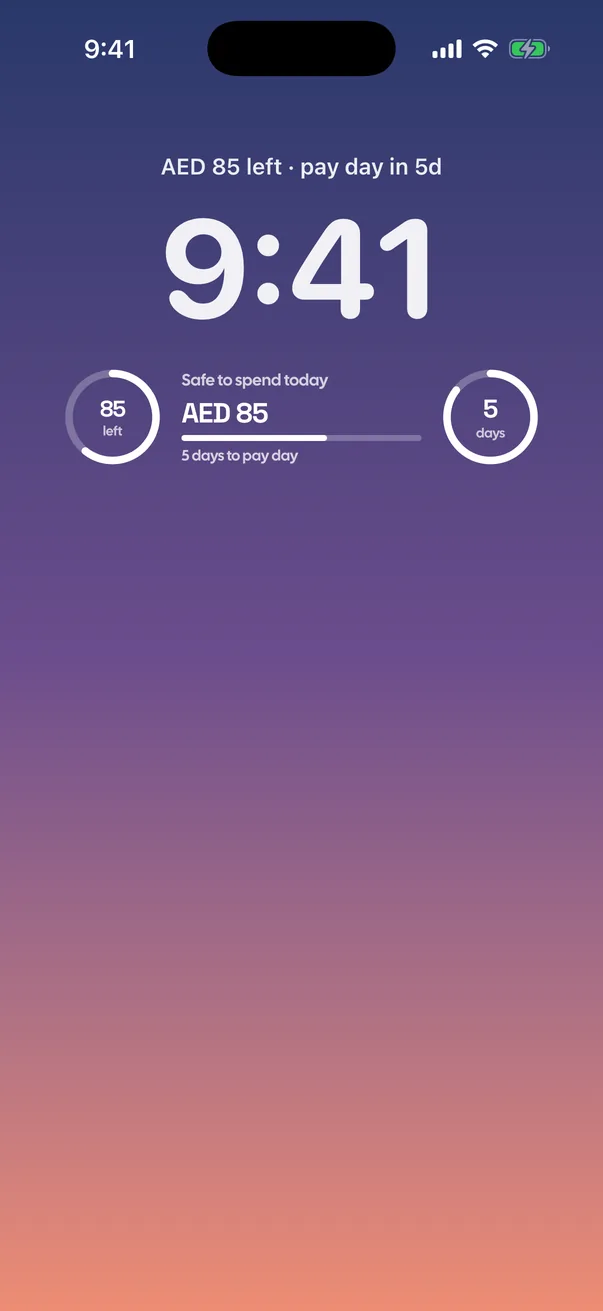
Widgets
Your number on the Home Screen and Lock Screen.
Rent
Cheques spread evenly and set aside each month.
Car
Fuel, parking, service and insurance in one place.
Face ID
Locked to you. Nothing leaves your phone.
How do I log an expense?
Tap +, type the amount and pick a category. That's it. Add a note, account or date if you like; everything else is optional.
How is "Safe to spend today" worked out?
Start with your monthly income. Take away your fixed bills and your savings goal, and what you have already spent since your last pay day. Divide what is left by the days until your next pay day. That is today's limit. The big number is that limit minus what you have spent today.
Do I need an account?
No. There is no sign-up, no login and no bank connection. Everything stays on your phone.
Is MoneyBook free?
Yes. Every feature is free, with no ads and no subscription. You can leave an optional one-time tip; it unlocks nothing.
What happens when I go over?
The number turns red and shows how far over you are. Nothing is blocked. The amount over is spread across the remaining days, so the next days' limits are a little lower.
Does it work with any currency?
Yes. Every ISO currency is listed in Settings, with a search to find yours. Changing currency changes the symbol only; amounts are not converted.
Where is my data stored?
Only on your phone. MoneyBook has no server, no account and no analytics. Nothing you enter is sent anywhere.
Know where your money goes.
Free, no account, no ads. Your data stays on your iPhone.
Download on the App Store